Spinner
Choice guide
Section titled “Choice guide”| Component | Use when |
|---|---|
Spinner | Inline, non-blocking — e.g., next to a status label |
ProgressModal | Blocking overlay with optional cancel and progress |
Skeleton | Placeholder that mirrors the shape of loading content |
Usage
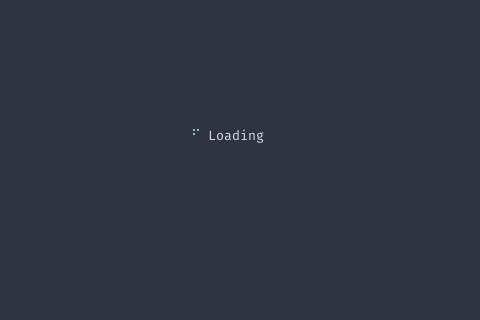
spinner := components.NewSpinner().  SetStyle(components.SpinnerBraille).  SetLabel("Loading").  SetInterval(100 * time.Millisecond)
fmt.Println(spinner != nil)
Methods
| Method | Signature | Description |
|---|---|---|
GetFieldHeight | func (s *Spinner) GetFieldHeight() int | GetFieldHeight returns the preferred height. |
IsRunning | func (s *Spinner) IsRunning() bool | IsRunning returns whether the spinner is animating. |
SetInterval | func (s *Spinner) SetInterval(interval time.Duration) *Spinner | SetInterval sets the animation interval. |
SetLabel | func (s *Spinner) SetLabel(label string) *Spinner | SetLabel sets the label displayed next to the spinner. |
SetStyle | func (s *Spinner) SetStyle(style SpinnerStyle) *Spinner | SetStyle sets the spinner style. |
Start | func (s *Spinner) Start() *Spinner | Start begins the animation. |
Stop | func (s *Spinner) Stop() *Spinner | Stop ends the animation. |
Types
type SpinnerStyle SpinnerStyle selects the character sequence used for the spin animation:
Dots/Braille use Unicode block characters; Line uses ASCII; Circle and Arrow
use geometric symbols. | Constant | Description |
|---|---|
SpinnerDots | |
SpinnerLine | |
SpinnerBraille | |
SpinnerCircle | |
SpinnerArrow |